SOPs as Smart Job Aids: Turning Reference Documents Into Tools That Answer Questions
By Mark Diaz |
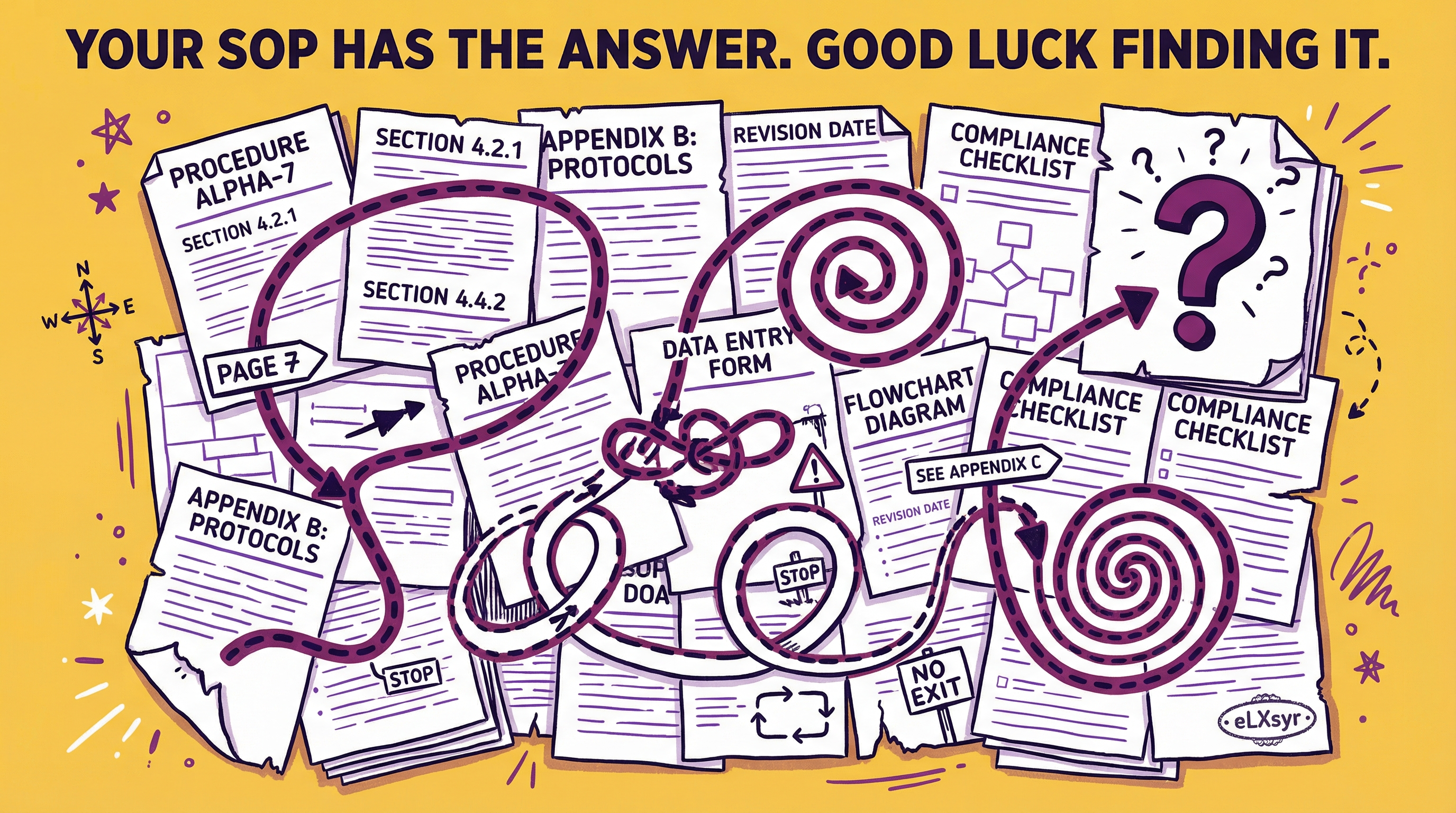
Your team's SOP smart job aid is a thick PDF gathering dust. Workers skip it because searching for the right step takes too long during a busy shift.
They guess instead. Errors pile up, and retraining eats time and budget.
Reference documents should guide action, not frustrate it. Workers need instant answers from procedures, not a scavenger hunt.
What Is Actually Happening
In a warehouse, the forklift SOP runs 15 pages. A new driver needs to know how to inspect tires before loading pallets.
They open the PDF, scroll past safety gear and battery checks, and give up. They drive anyway, risking damage or injury.
The root cause is simple. Static documents force linear reading. Brains under pressure want pinpoint answers, not full manuals.
How to Think About It
View SOPs as question-answering engines, not rule lists. The goal shifts from writing clear steps to enabling fast retrieval.
Workers ask, "What do I do if the pallet is unstable?" A smart system pulls exact text from your SOP.
Match Content to Questions
Break procedures into question-answer pairs in your mind. For each section, predict real queries.
"How do I lock out equipment?" links to the LOTO steps. This mental map ensures content covers daily chaos.
Why it works: Retrieval beats recall. People remember questions better than page numbers.
Use Layers, Not Length
Layer info like an onion. Outer layer gives quick yes/no. Deeper layers add details.
In a nursing SOP, top layer: "Change IV bag every 72 hours." Next: full steps with warnings.
This mirrors how experts think. They scan for relevance first.
Anchor in Context
Tie answers to triggers. Link "spill cleanup" to chemical types or floor locations.
Context makes retrieval precise. A generic SOP fails; a contextual one sticks.
Reason: Jobs have patterns. Capture them to make aids feel personal.
Where This Gets Hard
A manual approach works for one SOP. But for dozens across shifts, updating chunks, testing queries, and embedding into workflows breaks down.
You end up with inconsistent aids or endless maintenance. Tools like eLXsyr handle this by letting designers build a knowledge base from PDFs and embed SOP chatbots that retrieve exact content at scale.
What to Watch Out For
Over-chunking content into tiny bits. It creates orphan answers that lose procedure flow, confusing users mid-task.
Assuming all questions are simple. Real ones mix steps, like "What if step 3 fails during rain?" Miss nuances, and trust drops.
Forgetting feedback loops. Workers find gaps, but without easy reporting, aids stay outdated quietly.
Worth Knowing
For large teams, start with high-risk SOPs like safety or compliance. Track usage to prioritize.
Freelancers can prototype one aid to show value, then scale. Leaders focus on ROI: time saved per query times daily uses.
Quick Checklist
- Scan your top 5 SOPs. List 10 real questions workers ask weekly.
- Chunk content by procedure sections, not sentences. Aim for 100-300 words per chunk.
- Test with 3 non-experts. Time their answer speed vs. original PDF.
- Add context tags like "night shift" or "emergency."
- Plan updates quarterly or post-incident. Log changes in the aid itself.
- Embed in workflows: LMS, app, or printed QR code.
FAQ
Can I turn any PDF SOP into a smart job aid?
Yes, extract text and structure into a knowledge base. Use AI retrieval tuned to your content for accurate answers. Avoid generative AI to prevent hallucinations.
What's the difference between a regular chatbot and an SOP chatbot?
A regular chatbot pulls from the web or general knowledge. An SOP chatbot sticks to your documents for precise, compliant responses.
How do I measure if my smart job aid works?
Track query success rate, time to answer, and error reductions. Survey users on confidence levels before and after.